
Offline Site Inspections: A Practical Workflow for Contractors
Keep site inspections organised when connectivity is unreliable, from preparing the device to checking the synced record and final report.
RiskApp ·
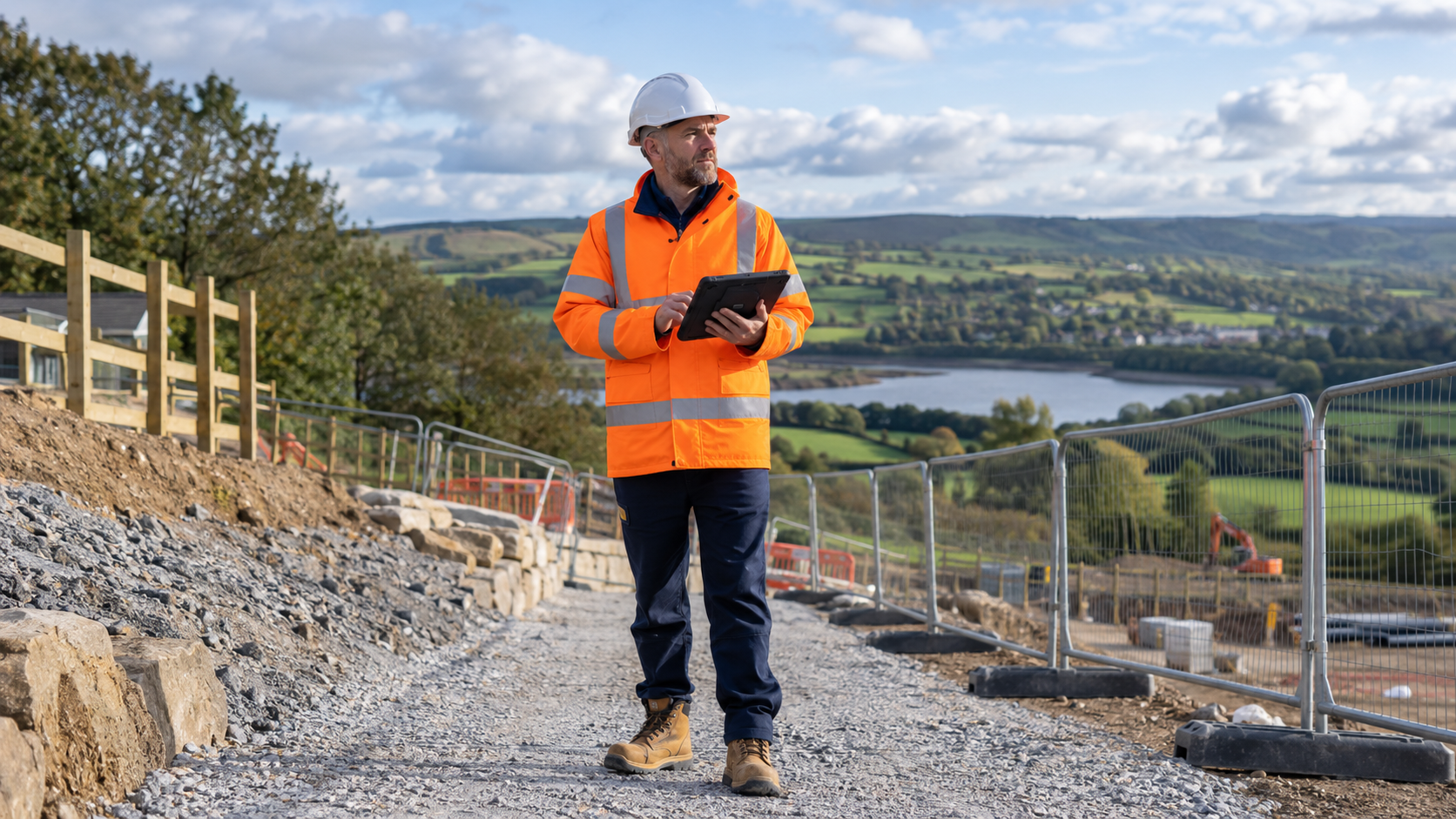
The site visit is booked, the assessor is ready and the mobile signal disappears at the gate. For teams working in rural locations, plant rooms or buildings with patchy coverage, that is an everyday planning issue.
An offline inspection workflow needs more than a device that can display a form. The team needs to know what to prepare, how to recognise an unfinished transfer and when the office can rely on the record.
Prepare before travelling
While you have a reliable connection, open the relevant site details and the template you intend to use. Confirm that you can access the information needed for the visit. Charge the device and check storage, camera permissions and any company requirements for protecting work data.
Test your actual app workflow before relying on it at a remote site. A short practice inspection without a connection is more informative than assuming every screen behaves in the same way offline.
Write down the contacts the assessor may need. Do not make an urgent site conversation depend on opening an online directory.
Decide who is working on the record
Agree which person is completing the assessment and who will review it afterwards. If several colleagues are involved, establish how they will contribute observations without creating competing versions.
Use a recognisable record name with the activity, site and date. Similar names make it difficult for the office to tell a training record from the actual visit or a second visit from the first.
Keep the briefing simple: which record to use, what to capture and who to contact when something needs clarification.
Capture context while it is fresh
Record the location and observation as you inspect. Attach photographs to the finding they explain and add a caption before moving on. A collection of images without location notes creates avoidable work later.
Review the photograph for focus and framing. Check that it shows the relevant condition without unnecessarily including people, personal information or unrelated documents.
When a question remains unresolved, say so explicitly. An offline form should help record the uncertainty; it should not encourage the assessor to select a convenient answer simply to finish the screen.
Keep the site conversation moving
If an observation needs immediate attention, raise it with the appropriate person on site through the agreed process. Uploading a record later is not a substitute for communicating something that needs a response now.
Agree the handover method before the visit. This could include a direct conversation and a named contact who can confirm receipt when normal messaging is unavailable.
Check the transfer when connectivity returns
Reconnect in a place with a stable signal and follow the app's sync workflow. Check the result rather than assuming that reconnecting means the transfer is complete.
Confirm that the expected record appears in the office workflow, then inspect the important details: notes, photographs and recorded sign-offs. Investigate missing items before issuing the report. Follow your company's retention process before removing local records or resetting a device.
Separate inspection completion from report completion
A field record may be complete while the review or client report is still outstanding. Make those handover points explicit in your working process so the office knows what it is receiving.
A useful pilot is one ordinary visit with deliberately limited connectivity. Measure whether the assessor could finish the record, whether the office received the expected evidence and whether the final report was clear.
RiskApp offers offline mobile assessments on iOS and Android, alongside web review and PDF reporting. Test the full journey with your team's devices and a representative site before rolling it out across every visit.